
I looked at an account recently and saw we were spending tens of thousands of euros on YouTube impressions that barely produced a cent. Meanwhile, one simple product feed was pulling in almost all the revenue on its own.
It felt like paying for a prime-time TV commercial with money earned from the shop floor.
This is not an edge case. This is how Performance Max works by default when you hand it a full set of creative assets.
Performance Max Has a Budget Problem You Cannot See
When you set up a Performance Max campaign and add images, headlines, and video, you give Google’s algorithm full discretion over where that budget goes. Shopping, YouTube, Display, Gmail: it can move money between all of them, and it will, without asking.
The catch is that the standard Google Ads interface does not show you the breakdown. You see a combined ROAS figure, and if it looks acceptable, most store owners stop there.
The first clue that something is off is the “Impressions” column. When that number starts climbing sharply, it usually means Google is pumping budget into the video network. At that point, I run the PMax Insights script, which produces charts that show exactly where the spend is going per channel. What those charts reveal is almost always the same pattern.
The Numbers Behind the Pattern
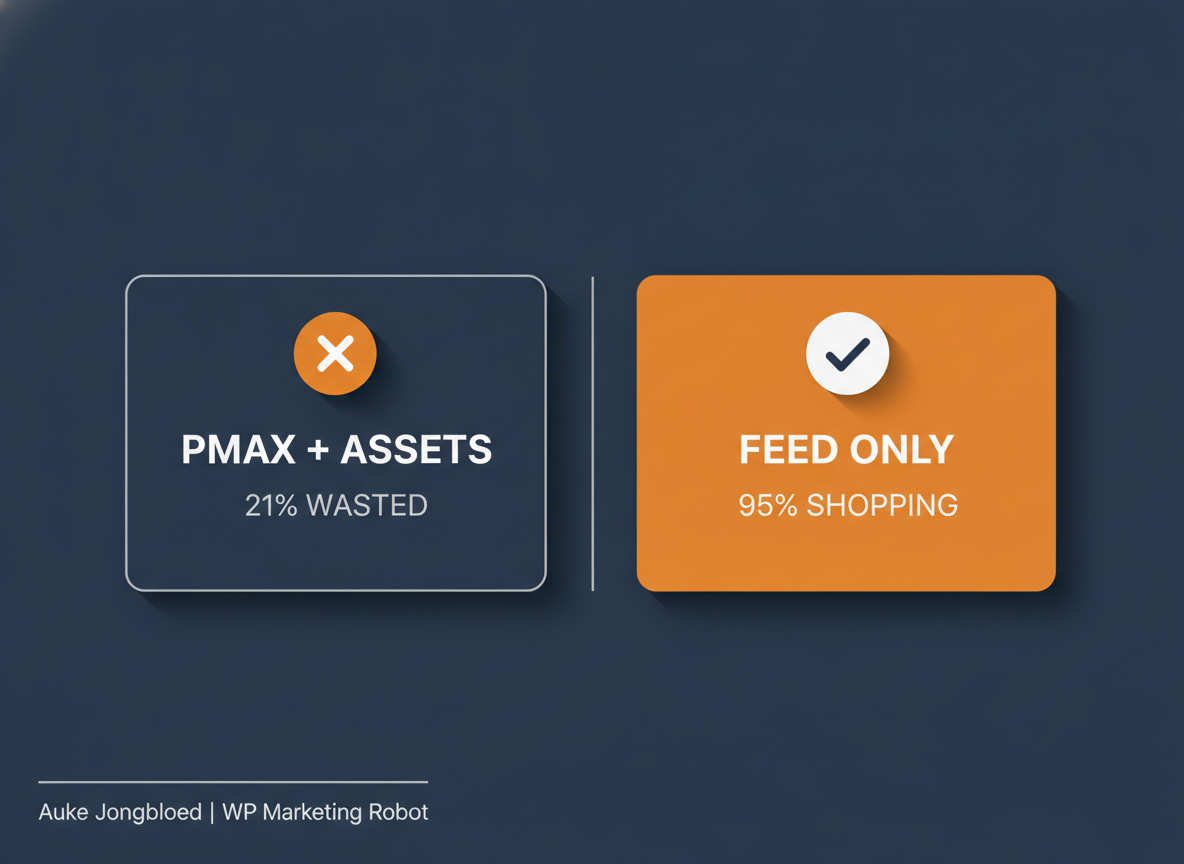
Across the accounts I have analysed, Shopping consistently drives somewhere between 92% and 98% of transactions and revenue. The remaining budget, often 15% to 21% of total spend, goes to Display, YouTube, and similar channels that contribute a fraction of that in sales.
What this means in practice: the profit from your Shopping clicks is subsidising awareness campaigns on YouTube that you never planned and cannot easily evaluate. Your ROAS looks reasonable in aggregate because Shopping is carrying the weight. The inefficiency is hidden underneath.
One account I reviewed had 78% of traffic going to Shopping and just over 21% going elsewhere. Shopping accounted for 94% of transactions. The other channels combined for 6% of transactions on 21% of the budget. That is not a rounding error. That is a structural drain.
What Feed-Only Actually Does
A feed-only Performance Max setup removes the creative assets from the equation. No headlines, no images beyond what is in the product feed, no videos. The algorithm still runs, but it has nothing to work with except your product data in Google Merchant Center.
The effect on budget distribution is significant. Without assets to run on Display and YouTube, the campaign concentrates on Shopping. In a typical feed-only setup, around 95% of traffic goes to the Shopping network, because that is where the intent is, and it is the only place Google can show your products without additional creative.
The setup itself requires a workaround. Google’s interface now blocks saving an asset group without headlines or images. The solution is to create the campaign from within Google Merchant Center under Marketing > Ad Campaigns, not from within Google Ads directly. Once the campaign appears in Google Ads, you make two critical changes: turn off Final URL Expansion and turn off Automatically Created Assets. Those two settings are how Google compensates for missing assets by generating its own, and they need to be off.
The Strongest Argument Against This
The obvious pushback is that Google’s algorithm is smarter than manual configuration. Give it assets, give it data, let it optimise across all channels. That is the official position, and it is not wrong in every context.
But the algorithm optimises for conversions within your targets. It does not optimise for your net margin per order, and it does not distinguish between a high-intent Shopping click and a YouTube impression that registers as a “view” and moves on. If it can generate volume by spending in the video network, it will, because volume is what it is built to produce.
Feed-only is not a vote of no confidence in the algorithm. It is a constraint that tells the algorithm where to fish. You are not asking it to do less, you are asking it to do its job in the part of the pond where the fish are actually buying.
The nuance worth acknowledging: feed-only is not ideal for every situation. If you are building brand awareness, if you have a genuinely new account with no conversion history, or if you have high-quality video assets and a real top-of-funnel objective, a full asset setup makes sense. But for most WooCommerce store owners who want their Shopping campaigns to perform and their budgets to go toward people ready to buy, feed-only is the more precise instrument.
What You Should Actually Check First
Before restructuring anything, find out what your current setup is actually doing.
Install the PMax Insights script and look at how your budget is distributed across channels. If Shopping is driving 95% or more of your revenue while taking 80% or less of your spend, you are in reasonable shape. If Display and YouTube are absorbing 20% or more of your budget while contributing 5% or less of your conversions, you are looking at the exact pattern described above.
That data is not visible in the standard interface. You need the script to see it. Once you can see it, you can decide whether feed-only makes sense for your account, and you can measure whether it makes a difference after you make the change.
The lesson here is not specific to Performance Max. It applies to any channel you run at meaningful spend: understanding how the system distributes your money is not optional. You do not have to distrust the platform. But you do need to know what is happening under the hood, because the default settings are not always set up with your margins in mind.
Run the PMax Insights script on your account. See where the money is actually going. When you are ready to build the setup itself, here is how to build a WooCommerce product feed for a feed-only PMax setup, step by step.