Managing product variation prices
When generating a product feed without including product variations, there’s a possibility that the feed might not reflect the lowest price for your products. You can rectify this by selecting the “Min Variation Regular Price” option from the source dropdown menu.
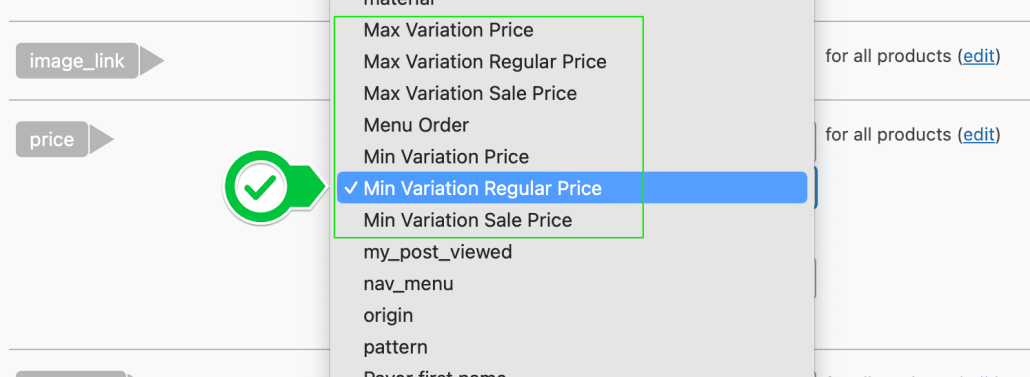
In the dropdown, you’ll find six variation price options to assist in accurately displaying the best pricing for variable products:
- Max Variation Price
- Max Variation Regular Price
- Max Variation Sales Price
- Min Variation Price
- Min Variation Regular Price
- Min Variation Sales Price
Use these options to correctly adjust the price in both the price and sales price attributes of your feed, ensuring your variable products are presented with the most attractive pricing.