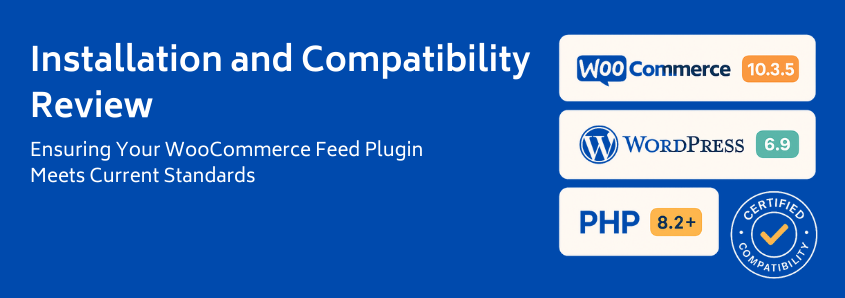
Ensuring Your WooCommerce Feed Plugin Meets Current Standards
If you’re evaluating a product feed solution for WooCommerce, you’re likely balancing features, price, and support. But one factor consistently dominates the evaluation process for experienced merchants: reliability.
You are looking for a powerful tool, not another source of technical debt. When WooCommerce releases an update, which happens fast, with major/minor releases scheduled roughly every five weeks, your primary concern is whether your essential plugins will break your site, stopping orders, or, worse, corrupting your product data.
This isn’t just theory; this “Update Anxiety” is a known phenomenon among WooCommerce merchants.
At WP Marketing Robot, we understand that transparency builds trust. We move past vague promises of “regular updates” and demonstrate precisely how our WooCommerce Product Feed Manager is engineered as a Stability Shield, tested and proven in the newest, most volatile environments.
This review cuts straight to the technical heart of the matter, providing authoritative guidance on why compatibility checks are critical at the evaluation stage and confirming the readiness of our solution for today’s demanding environment.
The Anxiety Layer: Why Compatibility is Your Greatest Evaluation Hurdle
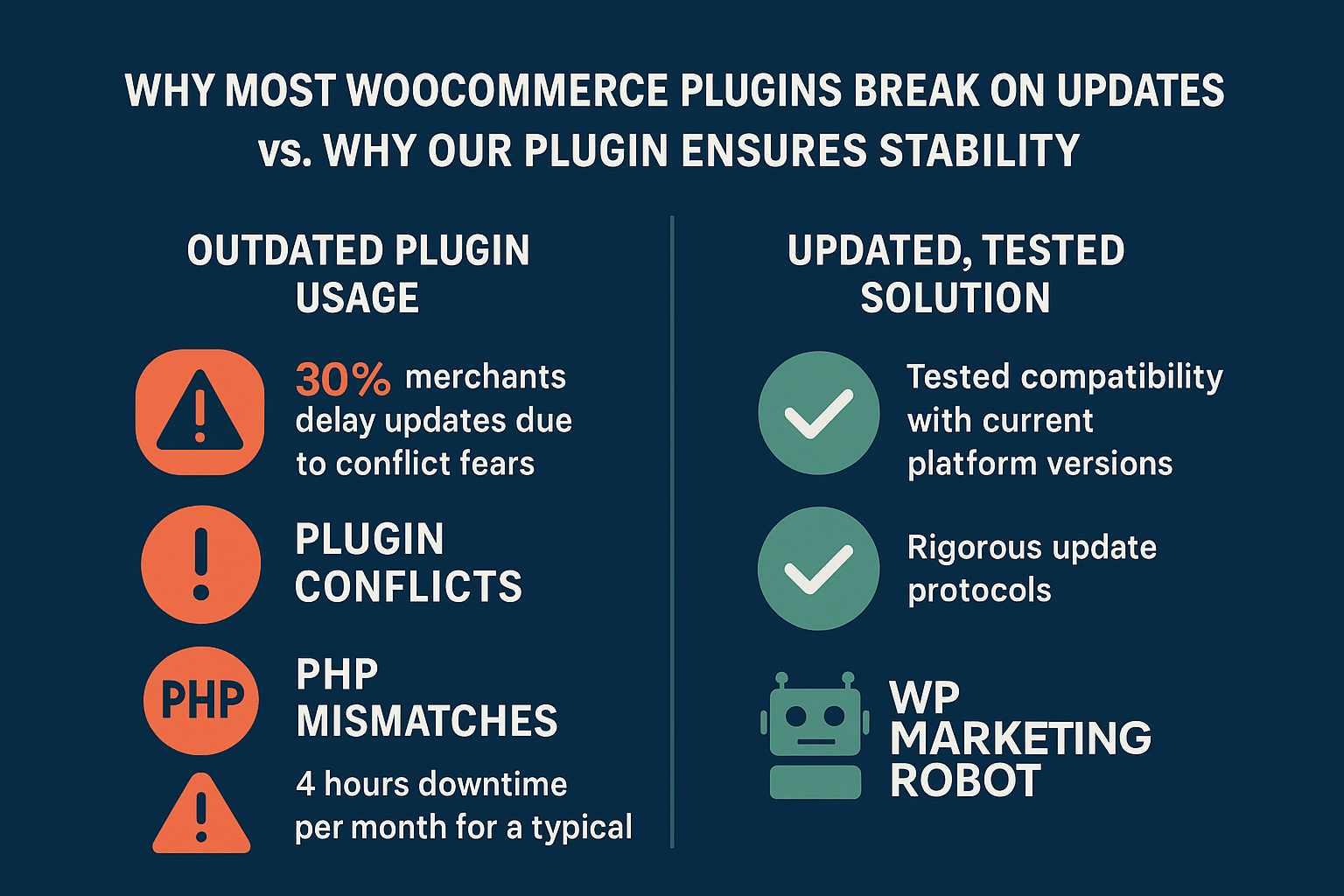
When choosing a plugin, your risk profile is defined by how often the developer tests against the constantly shifting technical landscape of WordPress and WooCommerce. The market is saturated with plugins that only offer vague commitments to stability.
But reliability, especially when managing critical ad feeds leading directly to revenue, requires more than a handshake agreement. It requires demonstrated rigor.
The primary culprits behind WooCommerce site-breaking updates are well-documented:
1. The Plugin Conflict Conundrum
WooCommerce is a complex system often running alongside a dozen of other plugins (payment gateways, security, SEO tools). When updating WooCommerce to a new major version, ike the transition to v10.x, an outdated feed plugin can easily trip up core site functions, often causing invisible database errors or blocking essential analytics.
2. Outdated PHP Versions
This is perhaps the most silent killer of performance and stability. Running an older PHP version (e.g., anything below 7.4) leaves your site vulnerable and often results in fatal errors when installing modern, optimized plugins. Best practice, and what we require for optimal performance, is PHP 8.1+. Relying on a developer who does not actively test on the highest stable PHP version indicates they are not prioritizing performance or security.
3. Feature Drift and Technical Debt
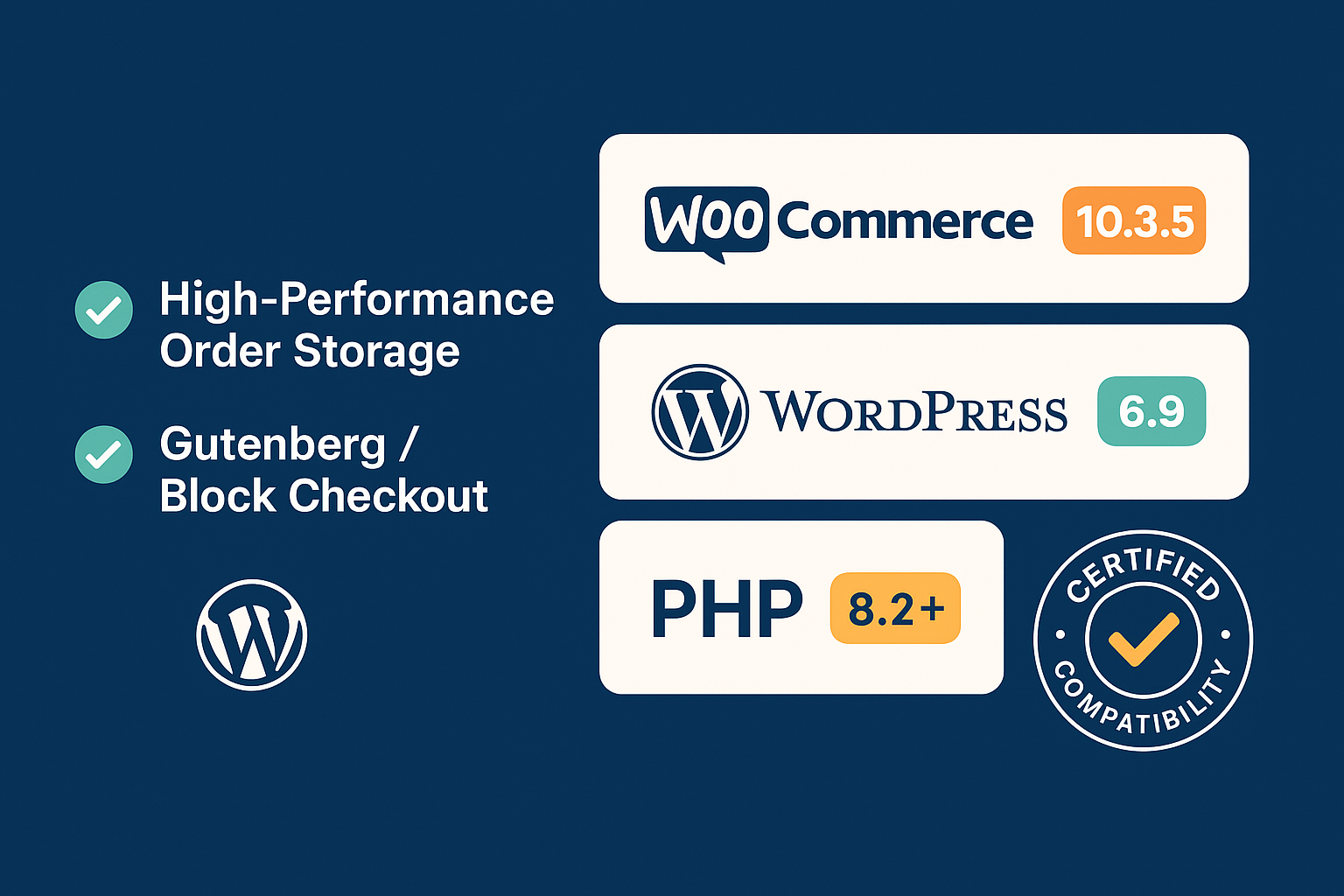
A plugin that wasn’t updated in the last six months, the minimum requirement to maintain Marketplace status, is accumulating technical debt. This often manifests as problems with new WooCommerce features, such as the High-Performance Order Storage (HPOS). You need a feed plugin that stays current with these core infrastructure changes, not one that plays catch-up.
Our Compatibility Protocol: The Confidence Builder
We eliminate that anxiety layer by making our testing transparent and specific. Our primary assurance to you, the evaluating merchant, is the explicit confirmation that we are running the highest level of scrutiny on the newest versions available.
The WP Marketing Robot WooCommerce Product Feed Manager is currently on version 3.17.0.
Our internal quality assurance process, which is constant and rigorous, currently demonstrates full and guaranteed compatibility with the following versions:
- WordPress Core: Version 6.9 and up
- WooCommerce Core: Version 10.3.5 and up
- PHP Environment: Full compatibility with PHP 8.1 and 8.2
This is our commitment: we don’t just “support” these versions; we test and validate them against every feature of our feed manager, ensuring seamless operation for filtering, attribute manipulation, and scheduled updates. This prevents unexpected downtime and ensures your feeds remain compliant and accurate, a necessity when dealing with major channels like Google Shopping and Facebook.
Installation & System Requirements: Moving Beyond the Minimums
For a tool as pivotal as a product feed manager, you should look beyond boilerplate minimum requirements. The optimal environment ensures your plugin runs efficiently, handles large product catalogs without issue, and processes scheduled updates quickly.
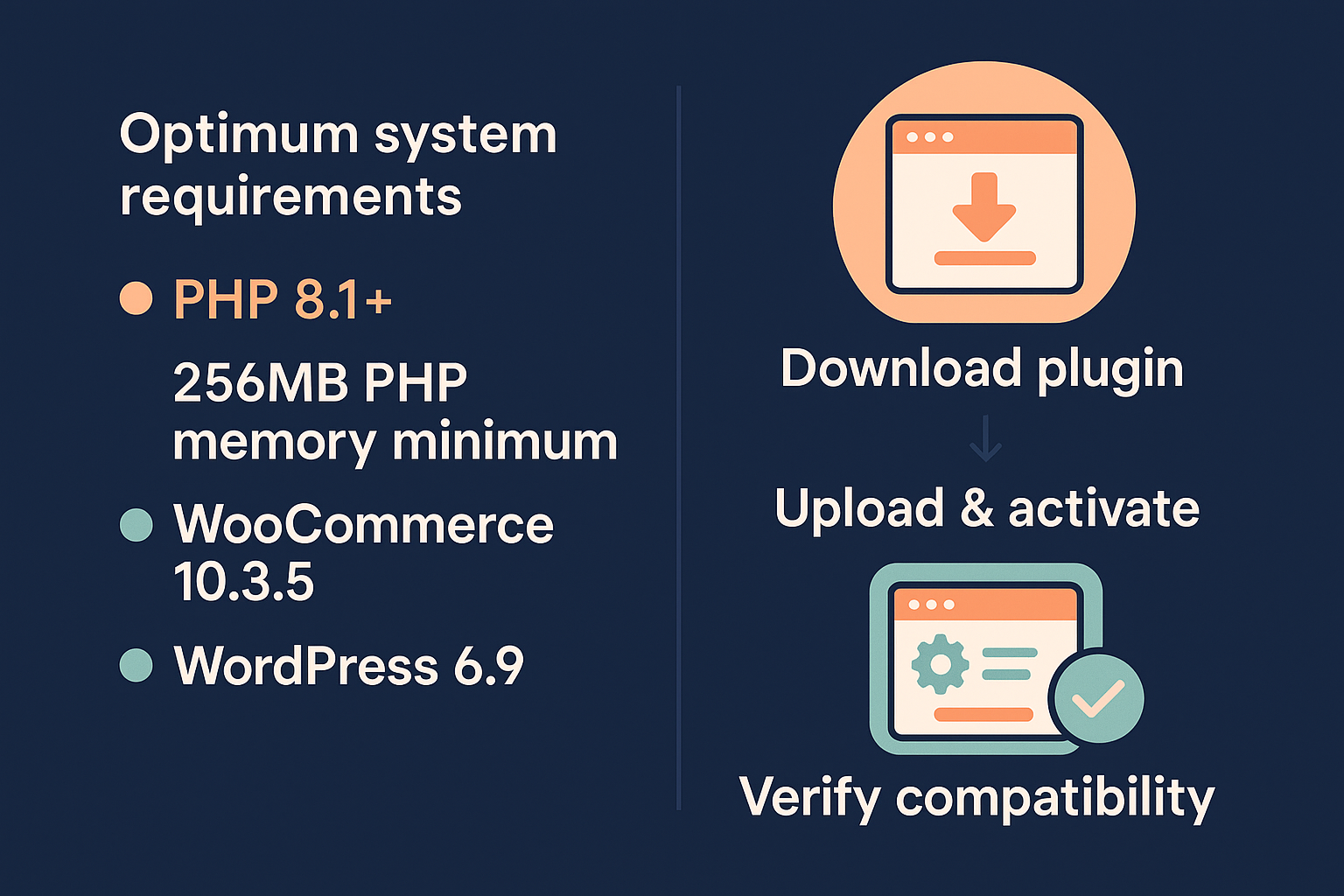
Here is the straightforward guide to our optimal setup and a clear, three-step path to installation.
Optimized System Requirements
| Requirement | Minimum Standard | Optimized Standard (Recommended) | Why This Standard Matters |
|---|---|---|---|
| PHP Version | PHP 7.4 | PHP 8.1 or higher | Superior performance, speed, and future compatibility; dramatically reduces the risk of conflicts. |
| WordPress Version | 6.0 | 6.9+ | Access to all latest developer hooks and stability patches. |
| WooCommerce Version | 8.8 | 10.3.5+ | Guaranteed compatibility with HPOS and latest database structures. |
| PHP Memory Limit | 128M | 256M to 512M | Essential for stores with large product counts (10,000+ items) to process feeds quickly without timeouts. |
| Database | MySQL 5.6+ or MariaDB 10.1+ | Latest stable version | Optimized data query performance for feed generation. |
The Three-Step Installation Guide
We’ve engineered our plugin for minimal technical friction. The process is clean, fast, and does not require complex database configuration.
- Download and Upload: After purchase (select the plan that suits your needs, like the popular [Ecommerce Plan]), download the zip file from your account dashboard. In your WordPress administration panel, navigate to Plugins > Add New and choose Upload Plugin.
- Activate: Once the file is uploaded, click Activate Plugin. The plugin is now fully integrated into your WooCommerce dashboard.
- Configure Your First Feed: A new menu item will appear, allowing you to seamlessly begin configuring your first product feed. Our smart attribute mapping and advanced filtering tools make setup intuitive, allowing you to tailor product data precisely for channels like Google Shopping, Amazon, or custom marketplaces.
Troubleshooting Prevention: Managing the Unexpected
Even the most rigorously tested software can encounter issues in the wild, usually due to server-side settings, firewall restrictions, or deeply nested plugin conflicts unique to a single hosting environment.
A reliable partner needs a clear plan to prevent and address these issues, prioritizing your store’s stability.
Common Feed Update Failures & How We Mitigate Them
| Failure Type | Merchant Anxiety Point | WP Marketing Robot Resolution |
|---|---|---|
| Server Timeouts | The feed generation process stops mid-way, resulting in incomplete XML/CSV. | Our feed generation process is chunked and built for efficiency, allowing it to complete successfully even on standard hosting environments. Requires an optimized PHP memory limit (256M recommended). |
| Access/cURL Errors | The hosting provider blocks the plugin’s attempt to connect to external servers for updates. | We provide simple, high-visibility instructions on how to check and resolve cURL errors or firewall blocks, helping you communicate effectively with your hosting provider. |
| Plugin Conflict | Another piece of third-party software interferes with the feed manager. | Our code is lean and adheres strictly to WordPress standards. Our specialized expert support team is trained to diagnose conflicts rapidly using status logs, minimizing the time to resolution. |
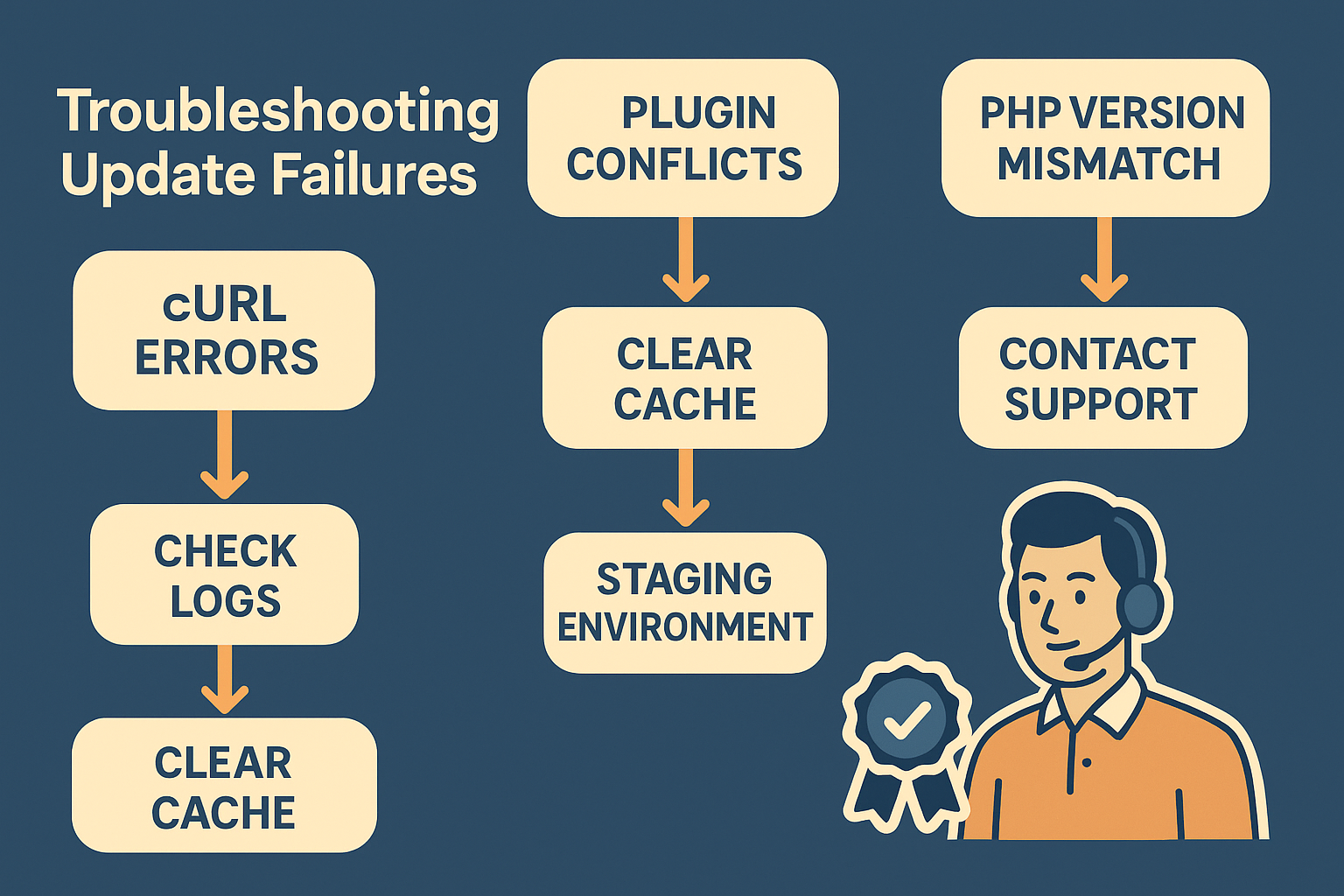
If you encounter an issue after updating WordPress or WooCommerce, your first action is simple: check your site health status screen and then contact our expert support channel. You are not just getting technical assistance; you are engaging with online marketing expertise that understands the critical nature of keeping your feeds active and optimized.
The Definitive Choice for Stability and Performance
Choosing a WooCommerce product feed manager during the evaluation phase is a risk assessment. Solutions that only talk about a long list of features but gloss over the technical foundation are introducing operational risk.
We differentiate ourselves by making performance and compatibility the core pillars of our offering. We understand you need to manage hundreds or thousands of products flawlessly across multiple channels. That requires precision, current code, and demonstrably successful testing against the latest WooCommerce 10.3.5 and WordPress 6.9 versions.
Confidence in Your Decision
You need a solution that:
- Reduces Perceived Risk: Explicitly guarantees compatibility with the latest standards (which we have done).
- Builds Confidence: Provides the optimal requirements and a clear installation path (as outlined above).
- Offers Peace of Mind: Ensures expert support is available to manage the inevitable complexities of e-commerce scale.
If stability, performance, and future-proofing your store are your primary selection criteria, the WP Marketing Robot Product Feed Manager is engineered precisely for you.
Frequently Asked Questions (FAQ)
Q: How frequently is the plugin updated to maintain compatibility?
A: Given WooCommerce’s rapid release schedule (approximately every five weeks ), we actively monitor and test against all beta and stable releases. We commit to continuous updates, often providing quarterly major releases and monthly minor improvements, ensuring immediate compatibility with the latest versions like WooCommerce 10.3.5 and WordPress 6.9.
Q: Does your plugin support the new High-Performance Order Storage (HPOS) initiative?
A: Yes, our plugin is fully compatible with the High-Performance Order Storage (HPOS). We have ensured that our product data handling and attribute reading processes integrate seamlessly with the new architecture, guaranteeing future-proof performance for your store.
Q: Is the plugin compatible with multi-language and multi-currency setups?
A: Absolutely. Our WooCommerce Product Feed Manager is designed for global reach, supporting multi-language and multi-currency configurations. This allows you to generate localized feeds accurately, a key feature for merchants using solutions like WPML or dedicated currency switchers.
Q: My catalogue is very large (50,000+ products). Can your plugin handle the load?
A: Yes. We recommend setting your PHP Memory Limit to 512M (or higher, depending on the speed requirement) and ensuring you use the optimized PHP 8.1+ environment. Our feed generation process is optimized through chunking and resource efficiency to manage high-volume catalogs without causing server timeouts.
Ready to gain stability and guaranteed compatibility for your product feeds? [Start your evaluation today] and experience the performance difference of a consistently maintained solution.


Leave a Reply
Want to join the discussion?Feel free to contribute!