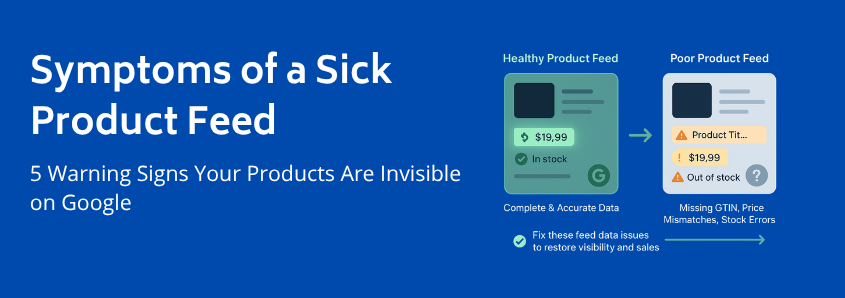
Symptoms of a Sick Product Feed: 5 Warning Signs Your Products Are Invisible on Google
You’ve done everything right. You’ve built a beautiful WooCommerce store, sourced incredible products, and even set up Google Shopping to reach new customers. Yet, the results are… underwhelming. A trickle of traffic, a handful of clicks, but none of the sales you were hoping for. You start to wonder, “Are my products even being seen?”
If this sounds familiar, you’re not alone. Many store owners assume that if there are no big, red error messages in their Google Merchant Center account, everything is working fine. But often, the most damaging issues are silent. They don’t appear as errors; they manifest as poor performance, missed opportunities, and a frustrating lack of growth.
These are the symptoms of poor feed validation subtle warning signs that the data pipeline between your store and Google is broken. Think of your product feed as your store’s digital ambassador. If it’s not communicating clearly, your products become invisible. Let’s explore the symptoms that tell you your ambassador needs help.
A Quick Refresher: What a Healthy Product Feed Should Be Doing
Before we dive into the problems, let’s picture what success looks like. In a perfect world, your product feed works like a flawless information highway.
- A customer searches for “blue waterproof running jacket” on Google.
- Your healthy product feed has already sent perfectly structured, accurate data to Google, including the title, description, color, availability, price, and high-quality image for your jacket.
- Google’s algorithm sees your product as a highly relevant, trustworthy match for the search.
- Your product appears prominently in the Shopping results, the customer clicks, and they land on a page that perfectly matches the ad they just saw.
This seamless journey is the goal. When it breaks down, it’s usually not because of one catastrophic failure, but a series of small data issues that create the following symptoms.
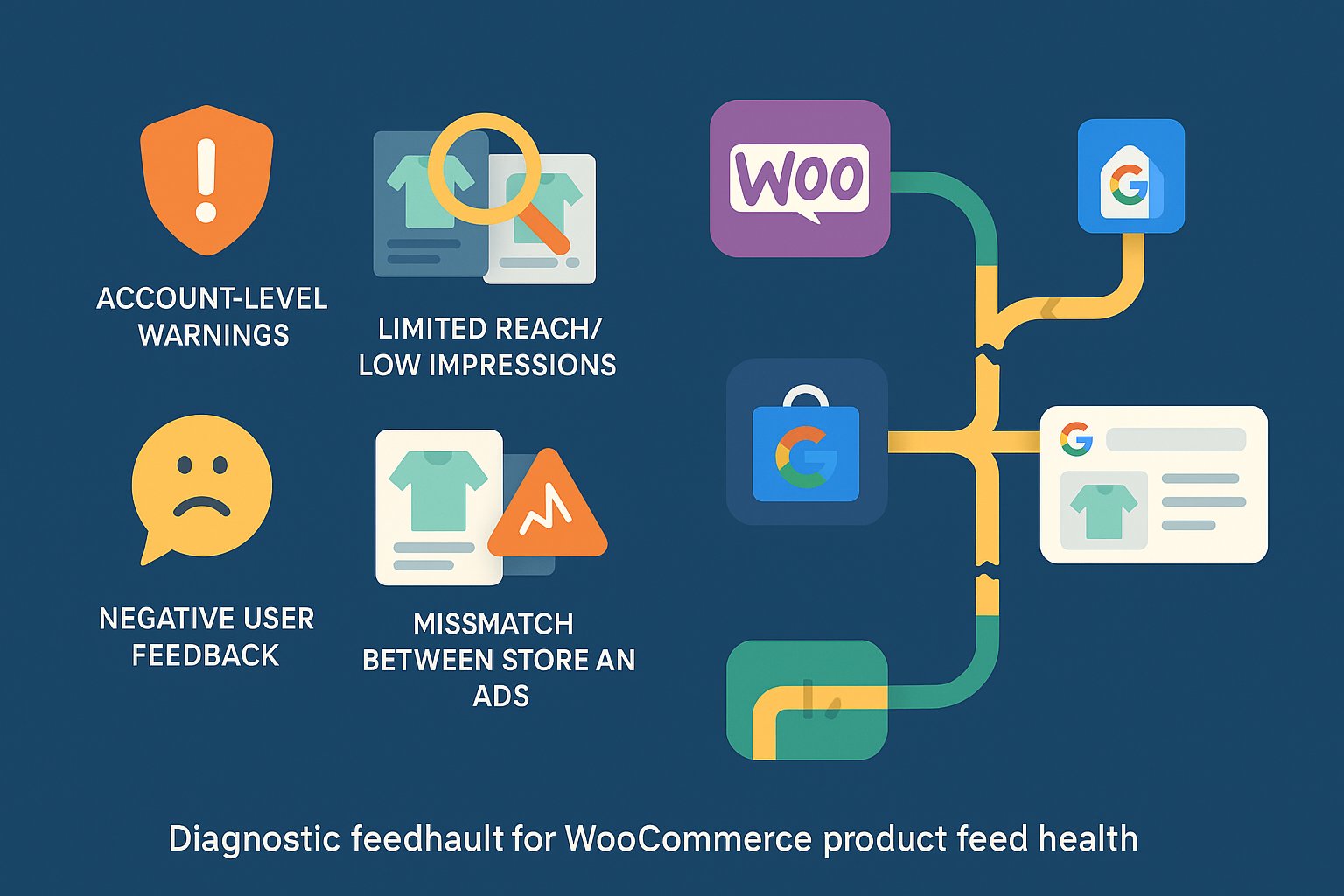
The 5 Biggest Warning Signs of Poor Feed Validation
If you’re experiencing any of these issues, it’s a strong indicator that your product feed is the root cause. Most store owners blame their ad campaigns or product appeal, but the problem often lies deeper in the data itself.
1. The Ghost Town Effect: Persistently Low Impressions and Limited Reach
This is the most common and frustrating symptom. Your products are technically “approved” in Google Merchant Center, but they get almost no impressions. It feels like you’re shouting into the void.
What it looks like:
- Your Google Ads dashboard shows Shopping campaigns are active, but impressions are near zero.
- You search for your own products on Google (even with specific terms) and can’t find them.
- In Google Merchant Center, you see a high number of “Active” products, but they aren’t generating traffic.
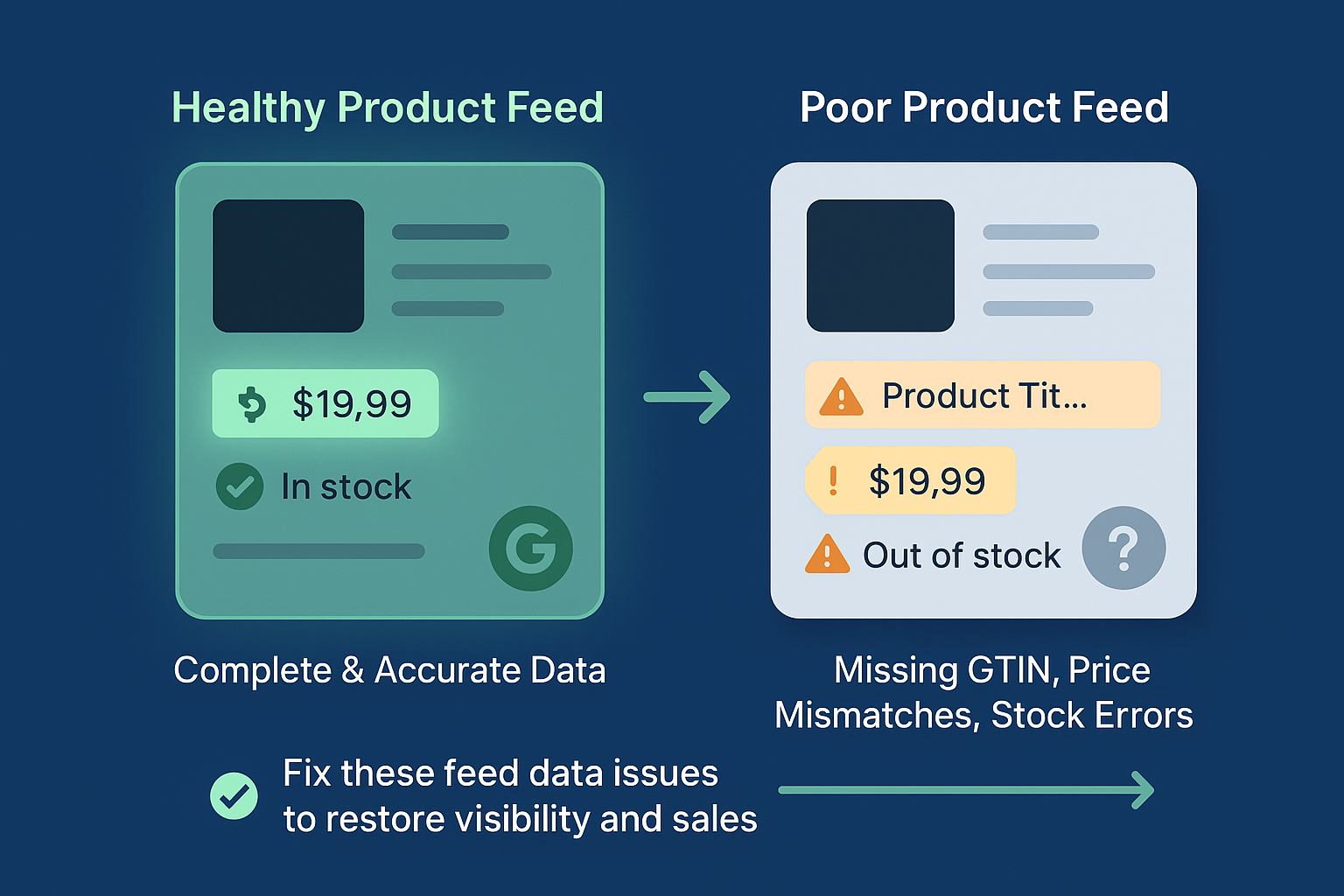
Why it happens: This is a classic sign that Google’s algorithm doesn’t have enough confidence in your product data to show it to users. The cause is often incomplete or poorly optimized data. Missing a Global Trade Item Number (GTIN), having a generic product title like “T-Shirt” instead of “Men’s Organic Cotton Crewneck T-Shirt – Navy Blue,” or using the wrong Google Product Category can all render your product virtually invisible. Google won’t show a product if it can’t be sure what it is. This is a direct hit to your overall product visibility.
2. The Bait-and-Switch: Data Mismatches Between Your Store and Ads
Have you ever clicked on a shopping ad for a sale price, only to find the product is full price on the website? It’s an instant deal-breaker. When this happens with your products, you’re not just losing a sale; you’re eroding trust with both customers and Google.
What it looks like:
- You receive “price mismatch” or “availability mismatch” warnings in Google Merchant Center.
- Your Google Analytics data shows a high bounce rate for traffic coming from Shopping ads.
- Customers contact you asking why the price on Google is different from your site.
Why it happens: This is a tell-tale sign that your product feed is not updating frequently enough. If you run a sale on your WooCommerce store but your feed only updates once a week, you’ll be advertising outdated prices for days. The same goes for stock levels. Advertising out-of-stock products leads to wasted ad spend and a terrible customer experience. A reliable and frequently updated woocommerce merchant center feed is essential to prevent these mismatches.
3. The Money Pit: Underperforming Campaigns with Low Click-Through Rates
You’ve set your bids, defined your budget, and launched your campaign. Yet, the results are dismal. People see your ads but don’t click, or they click but don’t buy. While many factors can cause this, a weak product feed is a prime suspect.
What it looks like:
- Your Shopping ads have a significantly lower Click-Through Rate (CTR) than your text ads.
- Conversion rates from Shopping campaigns are poor, leading to a high Cost Per Acquisition (CPA).
- Your ad spend is high, but your Return On Ad Spend (ROAS) is frustratingly low.
Why it happens: Google creates Shopping ads directly from your feed data. If your product titles are uninspired, your images are low-quality, or key attributes like color or size are missing, your ads will be unappealing. Think about it: an ad with a generic title and no specific details is far less clickable than a competitor’s ad that clearly states exactly what the product is. Your feed data is your ad creative.
4. The Rising Tide: A Growing List of Item Disapprovals
This is the least subtle symptom. While a few disapprovals are normal, a steady increase or a sudden wave of flagged items signals a systemic problem.
What it looks like:
- The “Diagnostics” tab in Google Merchant Center shows a growing percentage of disapproved items.
- You find yourself spending more and more time trying to manually fix individual product errors.
- Entire categories of products are being rejected for the same reason (e.g., “missing
image_link“).
Why it happens: This is often the final stage. The subtle issues that were causing low impressions and poor performance have now become so significant that Google is explicitly rejecting your products. This is the feed’s cry for help. While it’s tempting to play “whack-a-mole” and fix errors one by one, it usually points to a deeper flaw in how your feed is being generated or structured. The problem isn’t just one product; it’s the system creating the data.
5. The Mystery Warning: Vague Account-Level Notifications
Sometimes, Google sends you a heads-up that isn’t tied to a specific product. You might see a banner in your Merchant Center account with a message like “Data quality issues are limiting the performance of your items.”
What it looks like:
- A non-critical notification appears on your Merchant Center overview page.
- The message doesn’t point to specific errors but suggests broader improvements are needed.
- You might receive an email about “improving your data quality” without explicit instructions.
Why it happens: This is Google’s proactive nudge. Their algorithms have detected patterns of inconsistent or low-quality data across your entire feed. It might not be enough to trigger mass disapprovals yet, but it’s enough for Google to warn you that your products aren’t meeting their full potential. Ignoring these warnings is like ignoring the check engine light in your car—the problem will only get worse.
Your First Diagnostic Steps
Recognizing these symptoms is the first step. Now you can begin to diagnose the health of your feed. You don’t need to be a technical expert to start.
- Manual Spot-Check: Pick 5 of your top-selling products. Search for them on Google. Can you find them? Now, look at their data in your WooCommerce store and compare it to what’s in your feed. Check the price, title, stock status, and image. Do they match perfectly?
- Explore the Diagnostics Tab: Spend 10 minutes in the Google Merchant Center “Diagnostics” tab. Look beyond the red “Errors” and pay attention to the yellow “Warnings.” These are the issues currently limiting your performance.
- Review Performance Data: In your Google Ads account, filter for your Shopping campaign. Sort your products by impressions. Are your most important products getting the visibility you expect? If not, their data is likely the problem.
Understanding these symptoms is crucial because it reframes the problem. It’s not about “fixing Google errors”; it’s about improving the clarity and quality of your product data to drive business growth. Effective ecommerce feed management is foundational to success in today’s competitive online marketplace.
Frequently Asked Questions (FAQ)
What is a product feed, exactly?
A product feed is essentially a digital file (like a spreadsheet or XML file) that contains all the important information about the products you sell. This includes titles, prices, descriptions, stock availability, images, and unique identifiers like GTINs. You submit this file to marketing channels like Google Shopping, Facebook, or Amazon so they can list and advertise your products accurately.
Why is Google so strict about product data quality?
Google’s primary goal is to provide the best possible experience for its users. If a user clicks a Shopping ad and finds a different price, an out-of-stock item, or a product that doesn’t match the description, their trust in Google is damaged. By enforcing strict data quality standards, Google ensures that the information it shows is reliable, which leads to happier shoppers and more effective advertising for merchants.
What’s the difference between a “warning” and an “error” in Google Merchant Center?
- An Error (red icon) is a critical issue that violates Google’s policies. Products with errors are disapproved and will not be shown in ads until the issue is fixed. An example is a missing required attribute like
price. - A Warning (yellow icon) indicates a problem that is limiting your product’s performance but is not a policy violation. The product is still eligible to be shown, but its visibility might be restricted. An example is a missing “recommended” attribute like
color. These warnings are often the early signs of the symptoms discussed in this article.
Is a few disapprovals normal?
Yes, it’s very common to have a small number of disapprovals, especially in a large and frequently changing inventory. The key is to monitor the trend. A stable, low number of errors is manageable. A consistently growing number indicates a systemic problem with your product feed management process.


Leave a Reply
Want to join the discussion?Feel free to contribute!